Reer is a configurable agentic system for architecture, engineering, and construction. It works across the tools your team already uses, helping you direct work and build on your project’s knowledge from design to delivery.
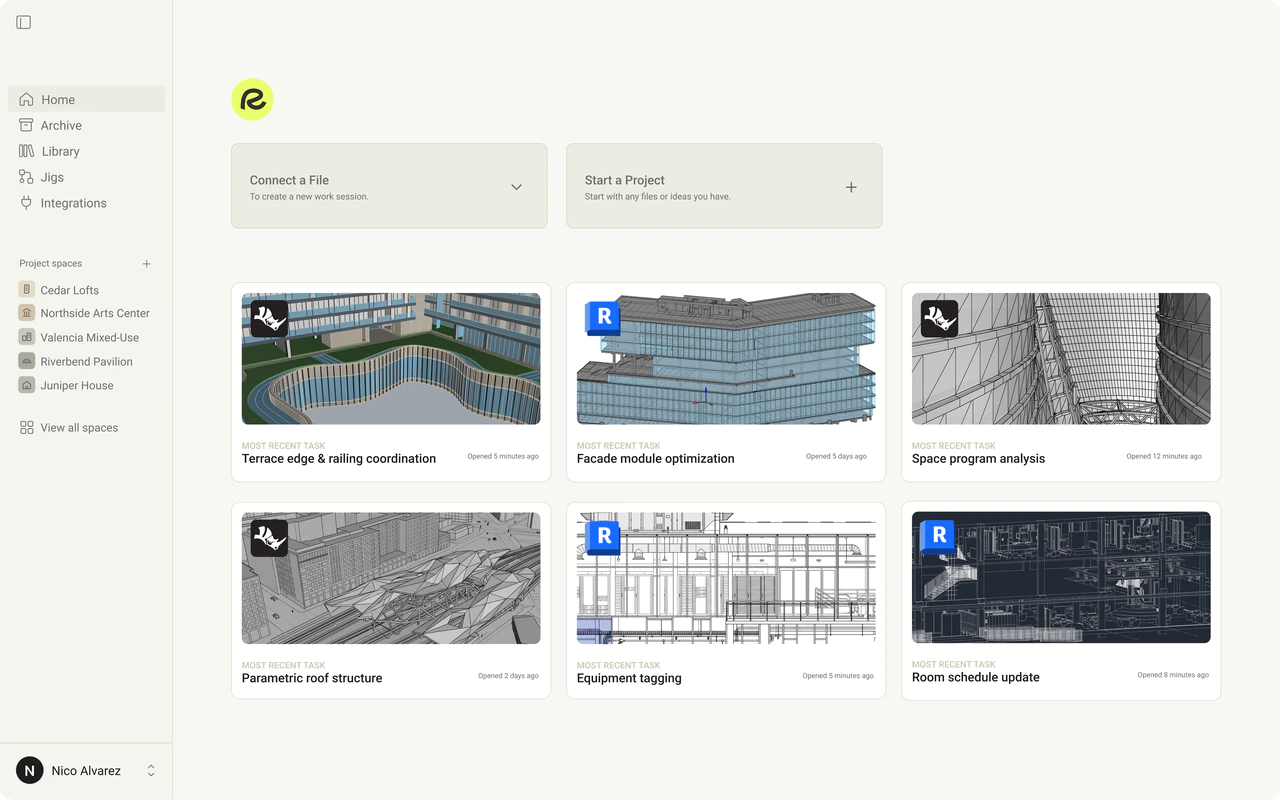
Reer works with Rhino, Grasshopper, and Revit through Reer Desktop. It can use your existing models, definitions, scripts, and supported plugins, and also help create deliverables such as drawings, images, PDFs, animations, videos, and spreadsheets.
No. Your files stay on your device in their native formats. Reer connects to them through their file paths, so you can work with your 3D models and create deliverables from one interface.
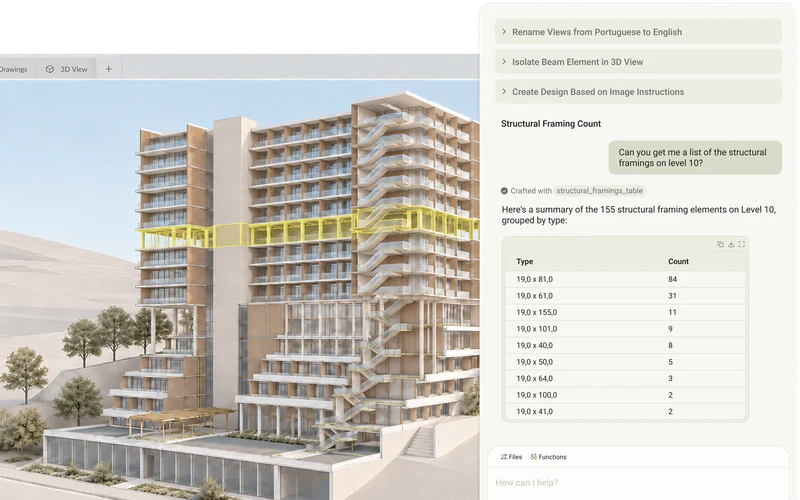
Ask Reer to organize models, make precise edits, create or modify geometry, work with Grasshopper definitions, and produce drawings or documentation. You can also give it a larger goal and work through the steps together, approving changes as you go.
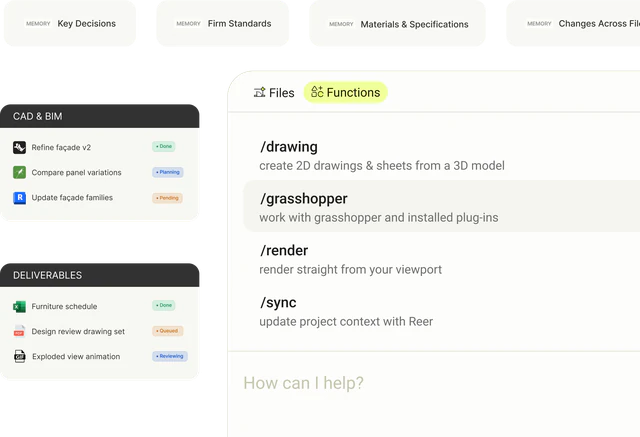
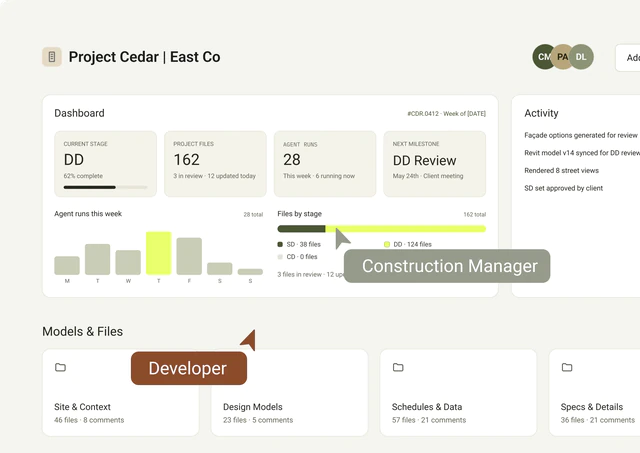
A project’s knowledge lives across models, files, decisions, and workflows. Reer connects that context so the agent can work with a fuller understanding of your project and carry what it learns into the next task.
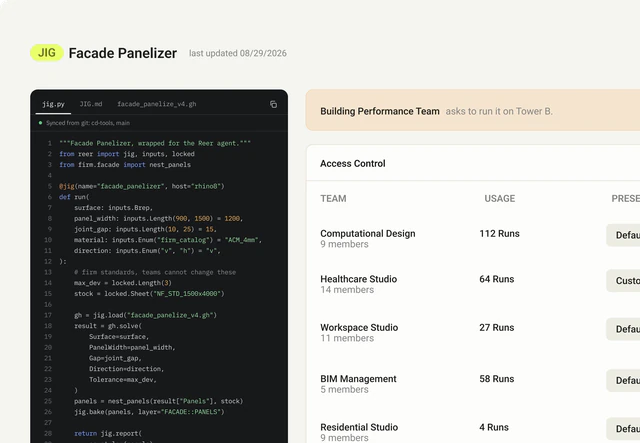
Reer Jigs™ turn useful tools and workflows into reusable agent capabilities. Bring in an existing script or definition, then use it flexibly through Reer. You can direct the agent in natural language; no coding is required.
Download Reer Desktop and sign in. Connect the tool you’re working in, start a work session by connecting a model file, and tell Reer what you’d like to do.